
Portrait: the cobalt shirt and window light
The short dark hair, face angle, blue shirt, and sunlit wall remain legible. Fine fabric and skin detail become broad brush marks and open paper space.
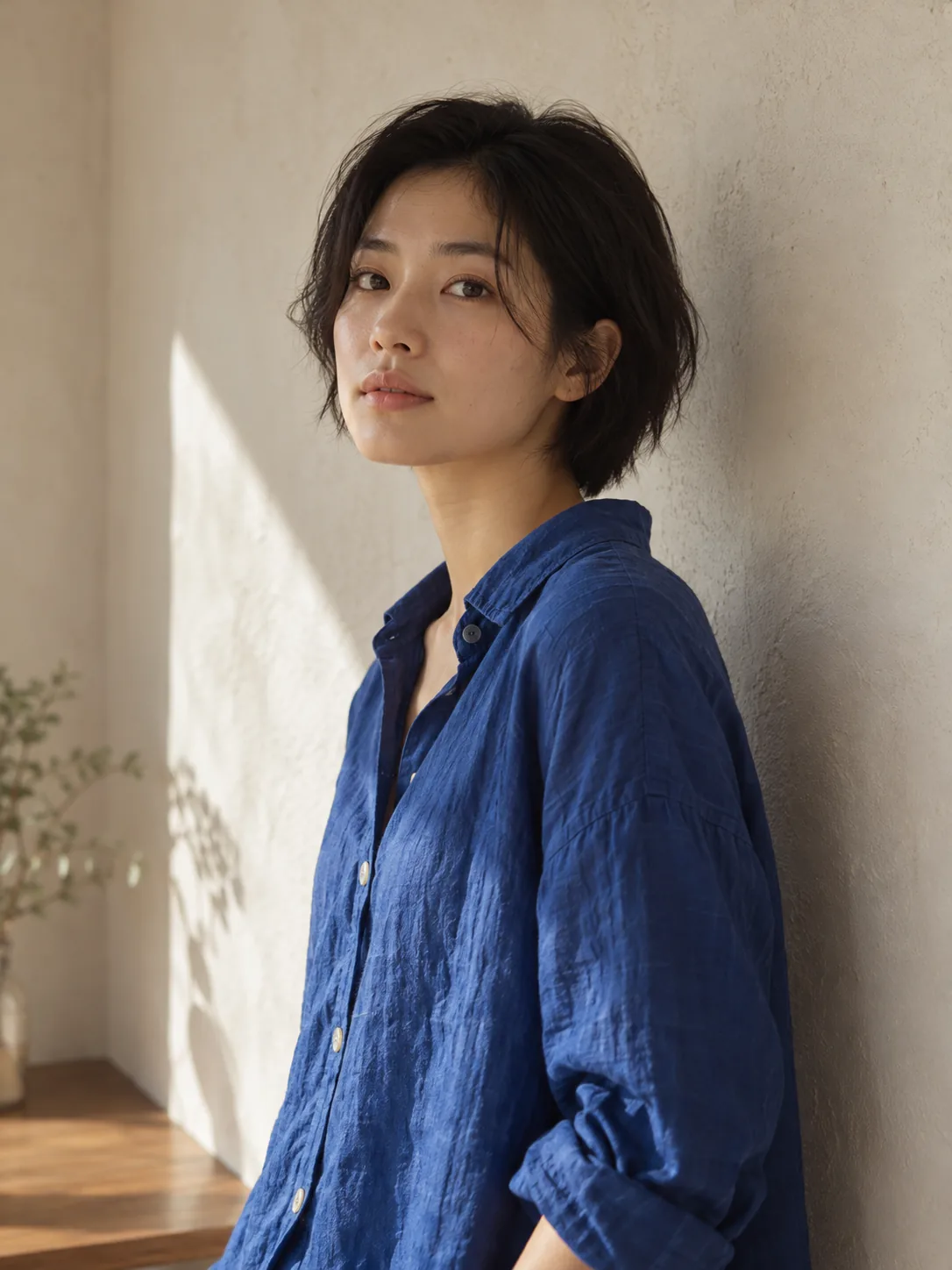
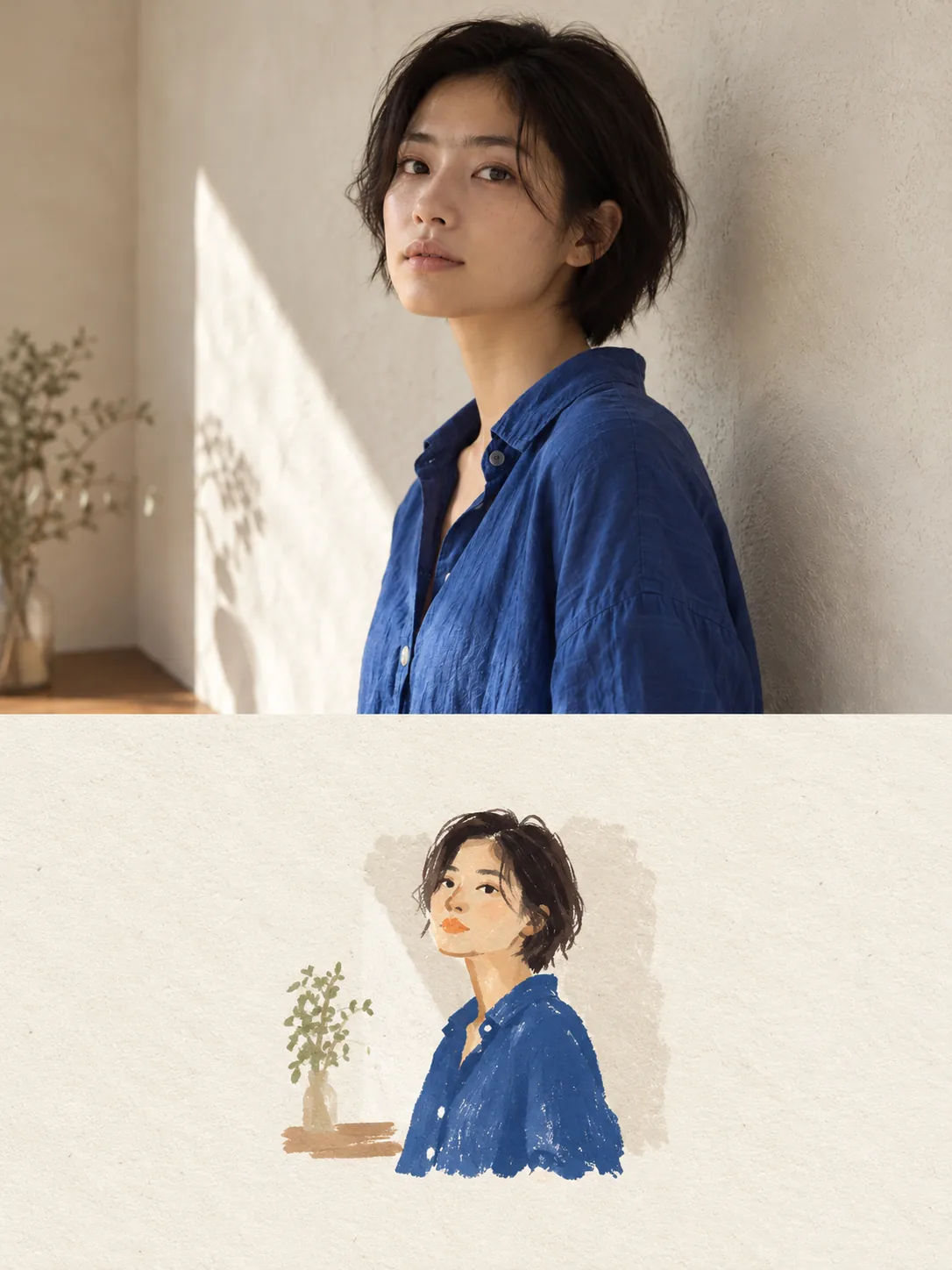
Photo to illustration
Move beyond a filter. Artformly keeps the recognizable subject from your photo, then reinterprets it with hand-drawn lines, paper texture, restrained color, and a carefully composed canvas.
1 free try · no account needed · sign up to download the HD result
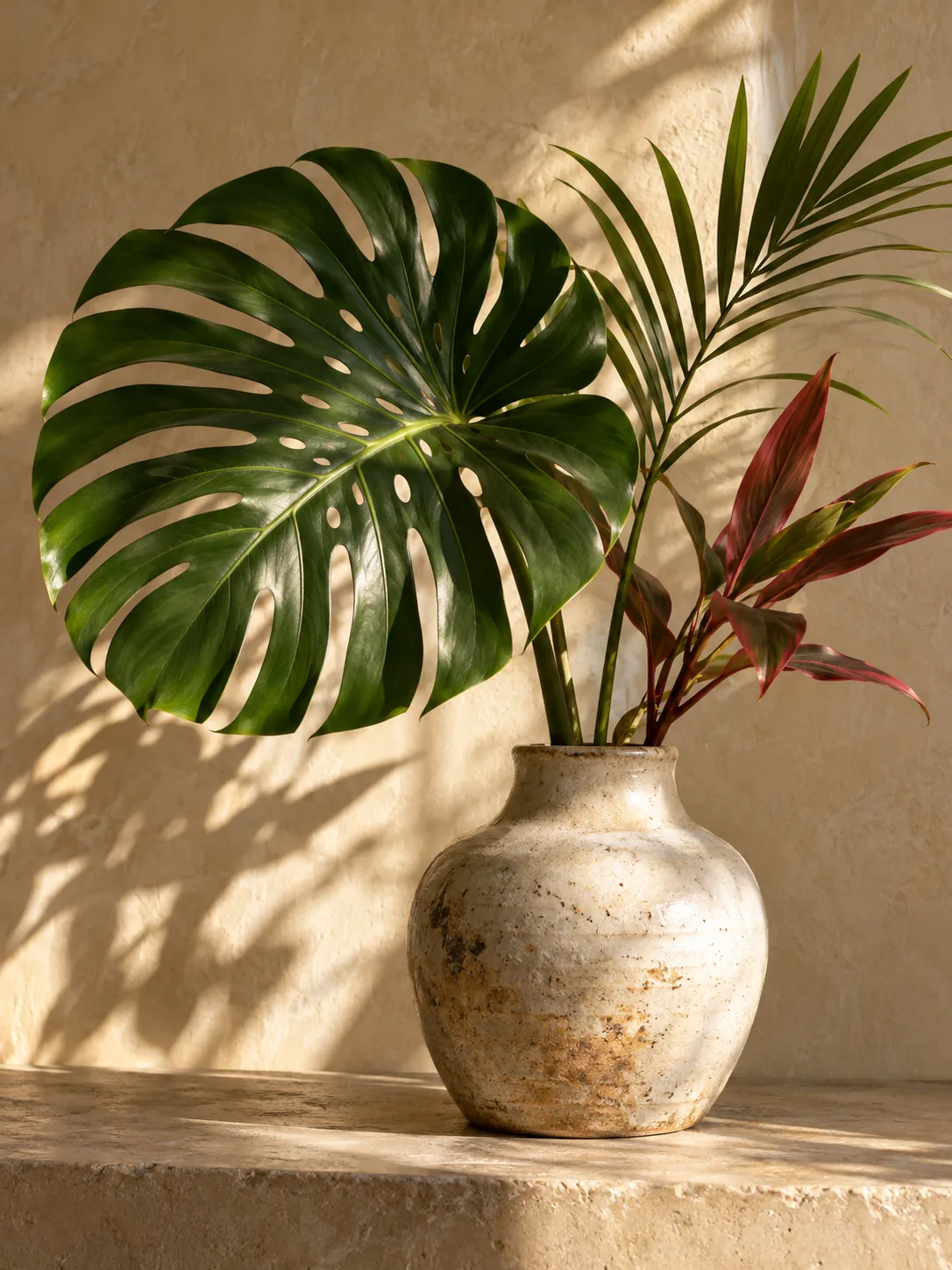
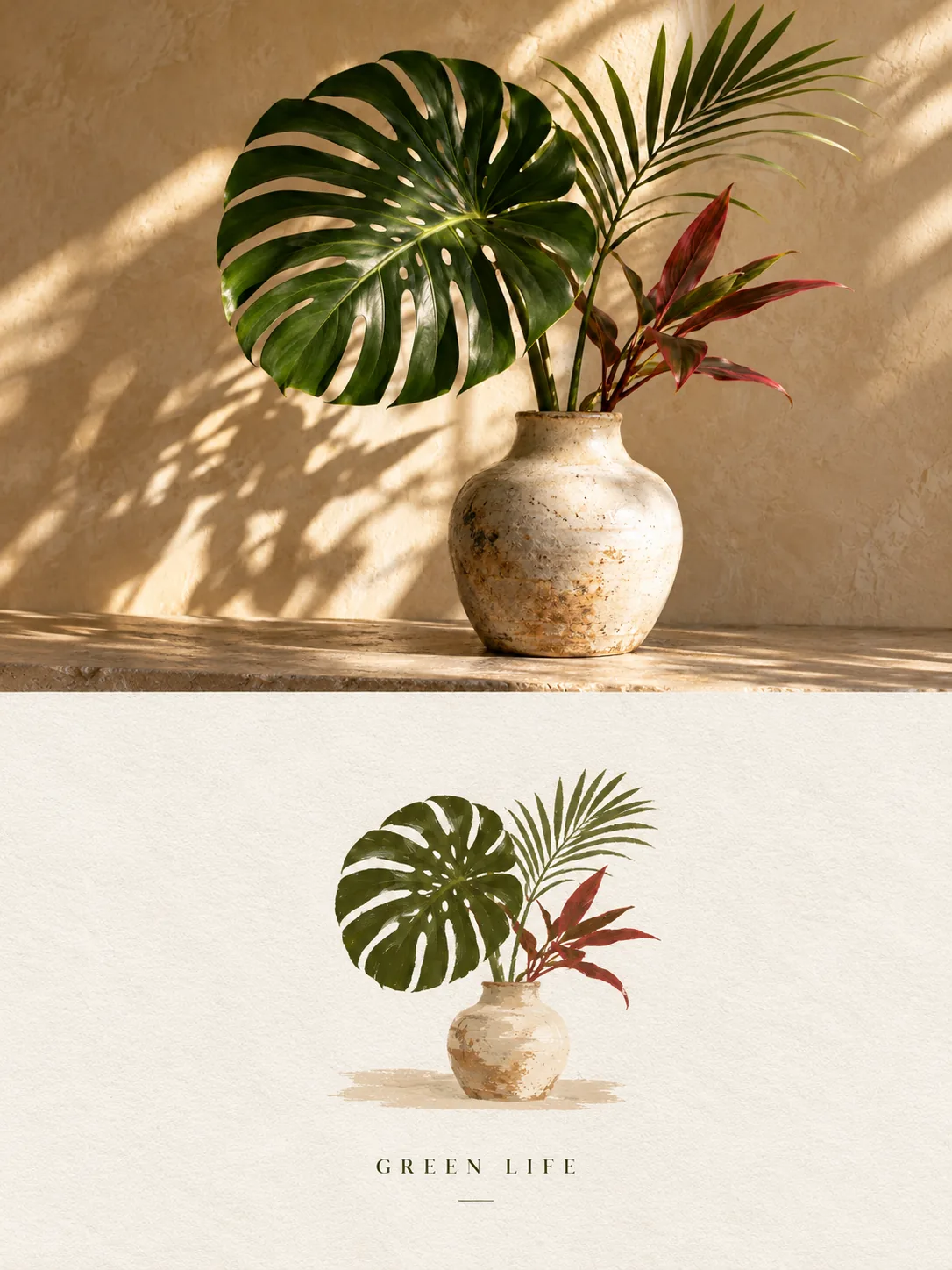
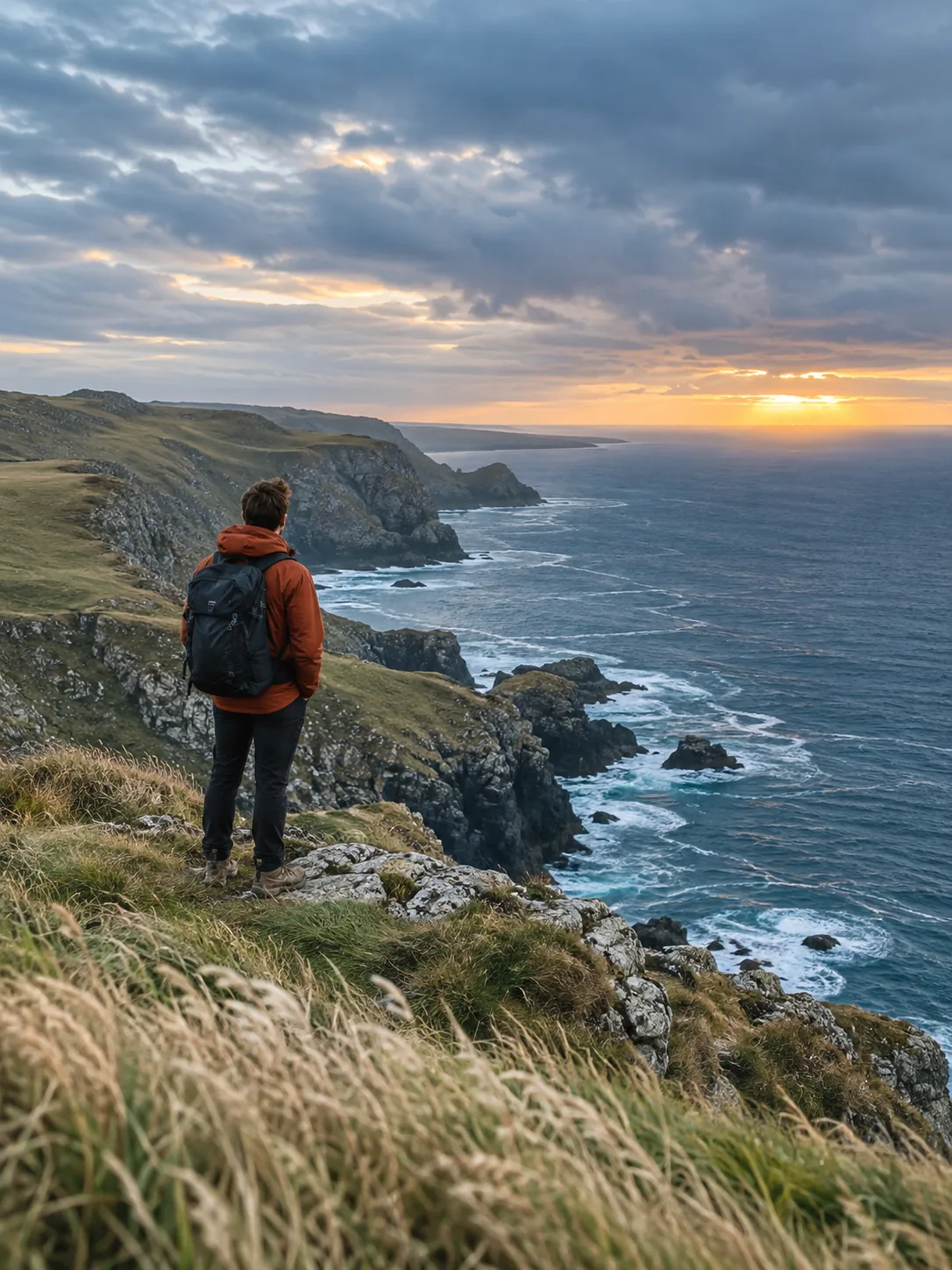
These are Artformly-owned demonstration pairs from our public gallery, not customer uploads. Compare the original and illustrated version of a portrait, a plant arrangement, and a coastal scene. They show what stayed recognizable and what the illustration simplified; your result may differ.
See the full before-and-after galleryThe short dark hair, face angle, blue shirt, and sunlit wall remain legible. Fine fabric and skin detail become broad brush marks and open paper space.
The split monstera leaf, red foliage, and pale ceramic vase carry the subject. The result reduces wall shadows and smaller leaves into a quieter composition.
The rust jacket, backpack, cliff line, and sunset keep the scene identifiable. The illustration compresses cloud and sea detail and adds poster typography.
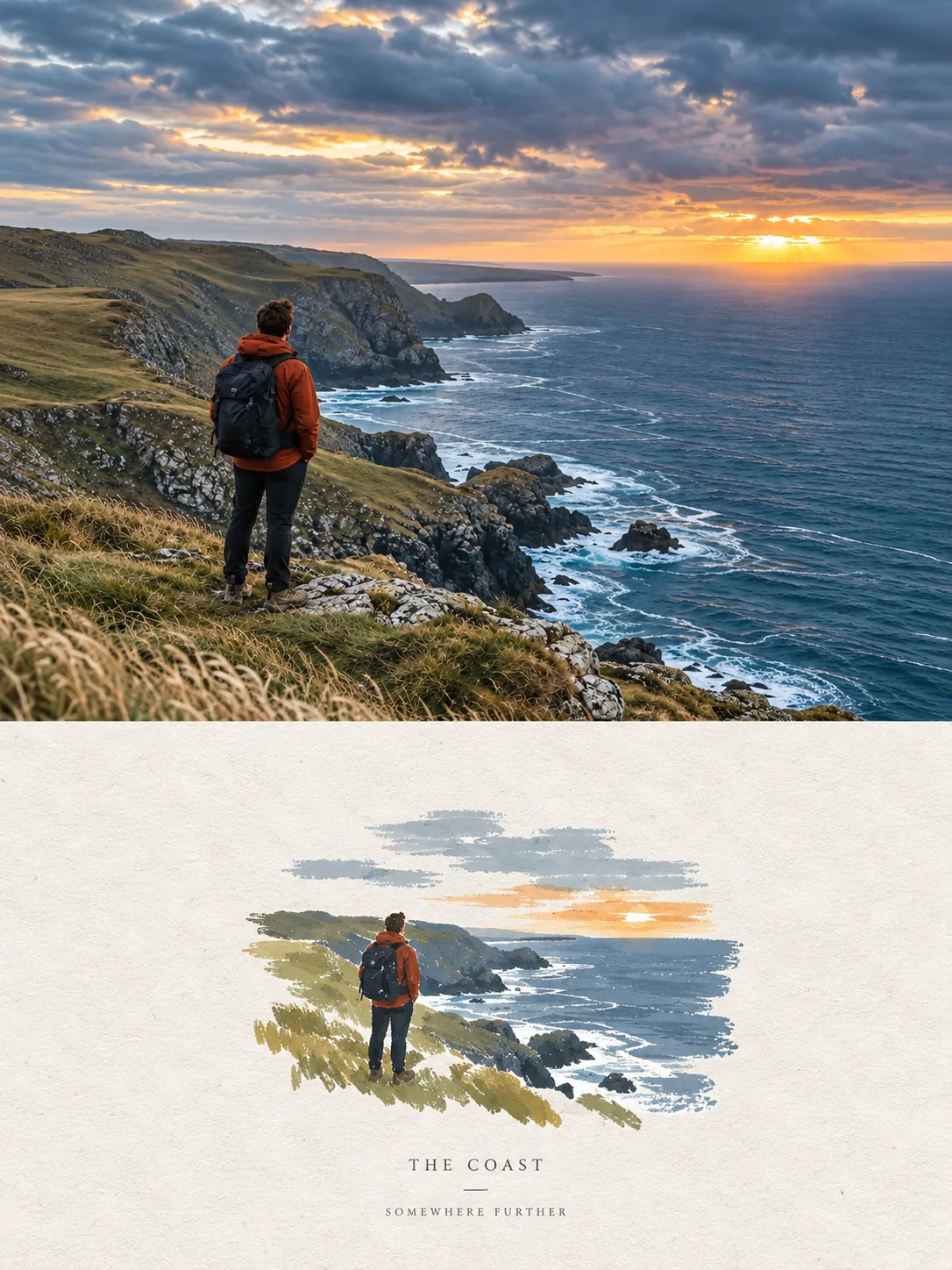
Keep the core object and its visual identity instead of replacing it with an unrelated generated scene.
Introduce negative space, imperfect lines, restrained color shapes, and natural paper grain so the result feels intentionally handmade.
Save the finished HD file, then resize or crop it for a profile image, social post, digital card, or personal project.
Start with a clear product, portrait, object, or scene you have the right to use.
Choose photo plus hand-drawn, graphic illustration, or minimal paper drawing according to the character you want.
Review the free preview. Sign up when you want to download the HD illustration from your private works library.
Clear photos with a distinct subject work best. Use images you own or have permission to transform, and avoid very small or heavily compressed files.
The workflow is designed to preserve the recognizable subject while changing composition, light, texture, and surrounding art direction. As with any generative process, details may vary.
The result can be used as a visual study or campaign asset subject to the source-image rights and Artformly terms that apply to your account.
Yes. Your first generation runs without an account and shows a preview. Create an account when you want to download the HD result. Later generations use credits shown on the Pricing page.
Bring one strong source image into Studio and turn it into a more deliberate visual direction.