
Choose a silhouette that reads instantly
Line art has fewer tonal cues than a photograph, so the outer contour matters. Pick a source where the face, pet, product, or object does not merge into a similarly colored or equally busy background.
Photo style / hand-drawn line art
Translate a familiar subject into loose contours, selective shading, and tactile marks while keeping the pose, silhouette, and essential details readable.
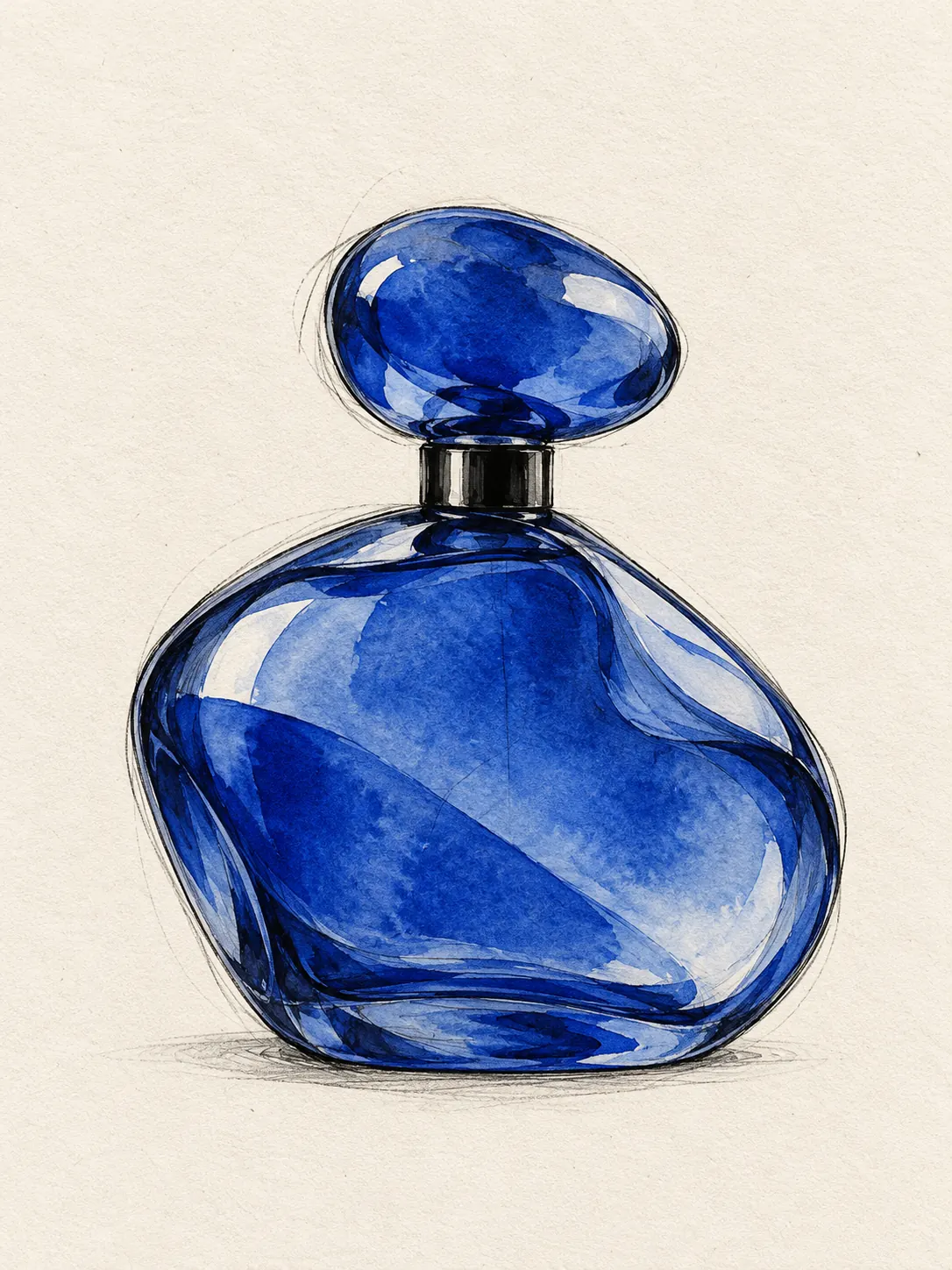
The strongest line-art treatment keeps the contours that make a subject recognizable, removes visual noise, and lets imperfect marks carry character.
Artformly provides guided style choices, so a long prompt is not required. This example shows the visual decisions behind the direction and can also help when planning source photography.
Preserve the subject's silhouette and key identifying details. Reinterpret the photo with loose black ink contours, imperfect graphite construction lines, selective cobalt watercolor washes, visible paper grain, and generous negative space.
Prompt examples describe an art direction, not a guaranteed identical result. The source photo, composition, and generative variation all affect the finished artwork.
Line art has fewer tonal cues than a photograph, so the outer contour matters. Pick a source where the face, pet, product, or object does not merge into a similarly colored or equally busy background.
Not every edge deserves equal weight. Eyes, hairstyle, posture, a pet's ears, a product profile, or a distinctive accessory often carries more recognition than dozens of small background textures.
A convincing hand-drawn result combines firm contours, broken marks, lighter construction lines, and occasional shading. Uniform vector-like strokes can feel mechanical; controlled irregularity gives the image material character.
Artformly currently downloads a finished image with its composed background. If your final layout needs isolation, plan enough negative space for cropping or use a separate image-editing workflow after download.
Keep the pose, silhouette, and essential subject details as the visual anchor.
Change line, shape, texture, and color without reducing the result to a generic filter.
Download a finished HD file that can be resized or cropped for personal creative uses.
Use an image with a readable subject, enough context, and details worth preserving.
Choose the artistic direction that best matches the subject and intended mood.
Check recognizability, composition, texture, and negative space, then download the strongest result.
Open Artformly Studio — your first generation runs without an account. Sign up only when you want to download the HD file. Upload a clear JPG, PNG, or WebP image, choose the hand-drawn direction, and generate. The result uses expressive contours, selective shading, paper texture, and restrained color while keeping the source recognizable.
Use a sharp image with one readable subject, clear separation from the background, and visible defining features. Side profiles, pets with distinct ears or markings, products with strong silhouettes, and simple architectural scenes are especially suitable.
No. Artformly currently exports a regular image, not SVG vector paths. If you need vector artwork, download the image and trace or redraw it in a vector editor, then inspect and clean the paths manually.
Not currently. The image includes the complete composed background and does not provide transparency. Choose a result with generous negative space if you expect to crop it or remove the background later in another editor.
The process aims to preserve the defining pose, silhouette, and focal details, but AI output can vary. A clear, unobstructed source gives the model better evidence than a small, blurred, heavily filtered, or crowded photo.
Commercial use depends on your rights to the source image and the terms that apply to your Artformly account. Review the Terms of Service and AI Generation Notice before publishing, licensing, or selling a result.
No. Your account works are private by default. Artformly's public gallery contains official reference images or material explicitly chosen for public display, not ordinary private generations.
Your first try is free. After that you use credits from a one-time pack — the Pricing page shows how many images each pack covers. Failed generations automatically return the reserved credits.
Upload a clear source image, choose the treatment, and create a finished artistic interpretation in Studio.