
A recognizable source
Keep the pose, silhouette, and essential subject details as the visual anchor.
Photo style / flat graphic illustration
Rebuild a familiar subject with simplified geometry, confident color fields, crisp edges, and a composition that reads instantly at different sizes.
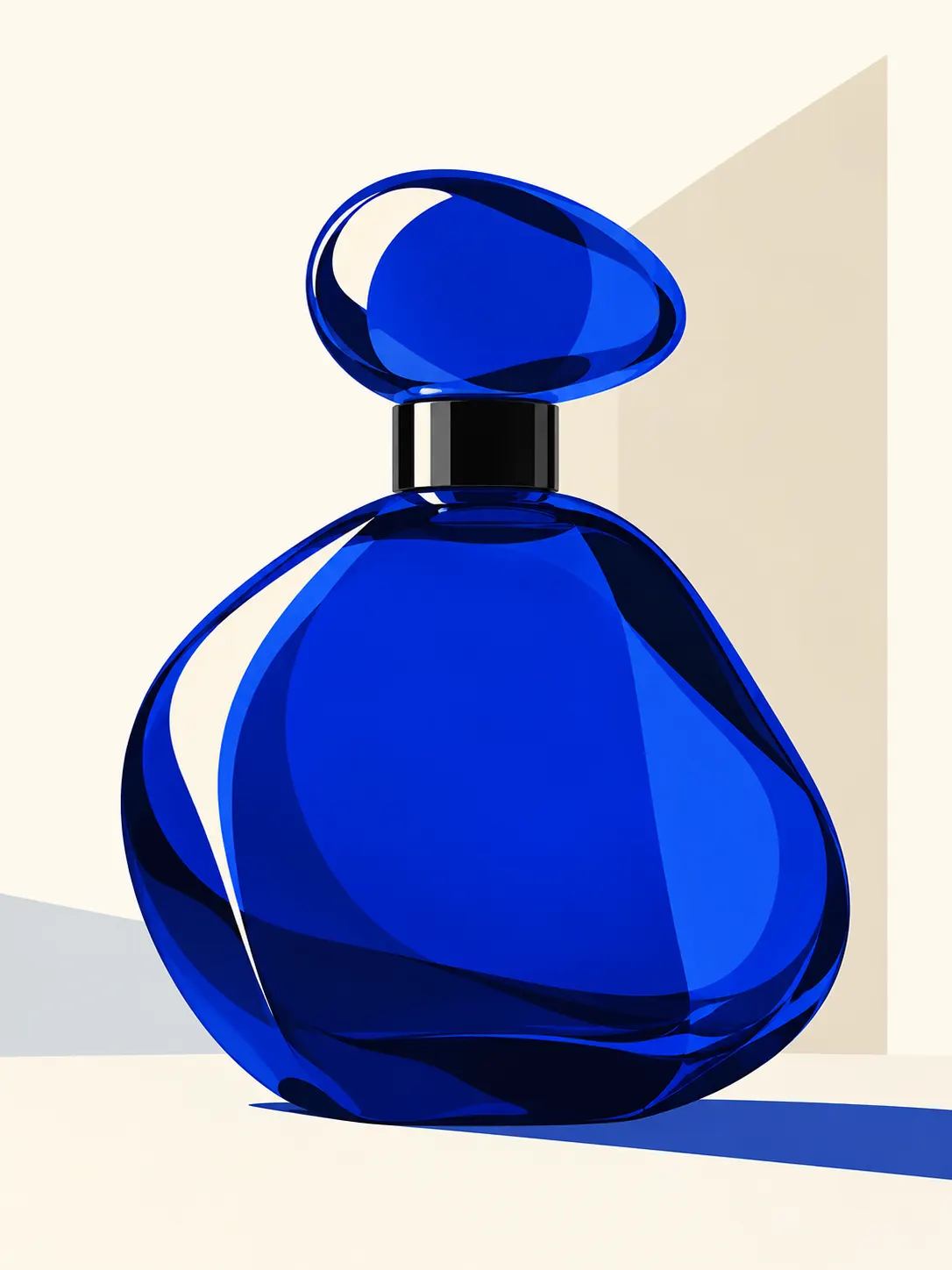
The best flat treatment simplifies surfaces and color while keeping the silhouette, focal details, and visual rhythm that connect the result to its source.
Artformly provides guided style choices, so a long prompt is not required. This example shows the visual decisions behind the direction and can also help when planning source photography.
Preserve the recognizable silhouette and focal details. Simplify the photo into crisp geometric shapes, bold flat color fields, controlled highlights, clean edges, and a composition that remains readable at small sizes.
Prompt examples describe an art direction, not a guaranteed identical result. The source photo, composition, and generative variation all affect the finished artwork.
Keep the pose, silhouette, and essential subject details as the visual anchor.
Change line, shape, texture, and color without reducing the result to a generic filter.
Download a finished HD file that can be resized or cropped for personal creative uses.
Use an image with a readable subject, enough context, and details worth preserving.
Choose the artistic direction that best matches the subject and intended mood.
Check recognizability, composition, texture, and negative space, then download the strongest result.
Open Artformly Studio — your first generation runs without an account. Sign up only when you want to download the HD file. Clear subjects with a readable silhouette and moderate background detail give the strongest result.
The workflow aims to preserve the defining pose, silhouette, and details, although generative results can still vary.
Studio creates an HD artwork that you can download and adapt for another destination.
Commercial use depends on your rights to the source photo and the Artformly terms that apply to your account. Review the Terms and AI Generation Notice before publishing or selling a result.
No. Account works are private by default. The public gallery contains only official reference assets or material selected for public display.
Failed Artformly generations are automatically refunded according to the product rules shown in Studio and on the pricing page.
Upload a clear source image, choose the treatment, and create a finished artistic interpretation in Studio.