
Direction before generation
Choose a recognizable creative route instead of trying to encode an entire design brief in one prompt.
AI illustration generator
Use an AI illustration generator built around a clear source image and art direction. Choose a treatment, generate a polished result, and keep the original subject as the visual anchor.
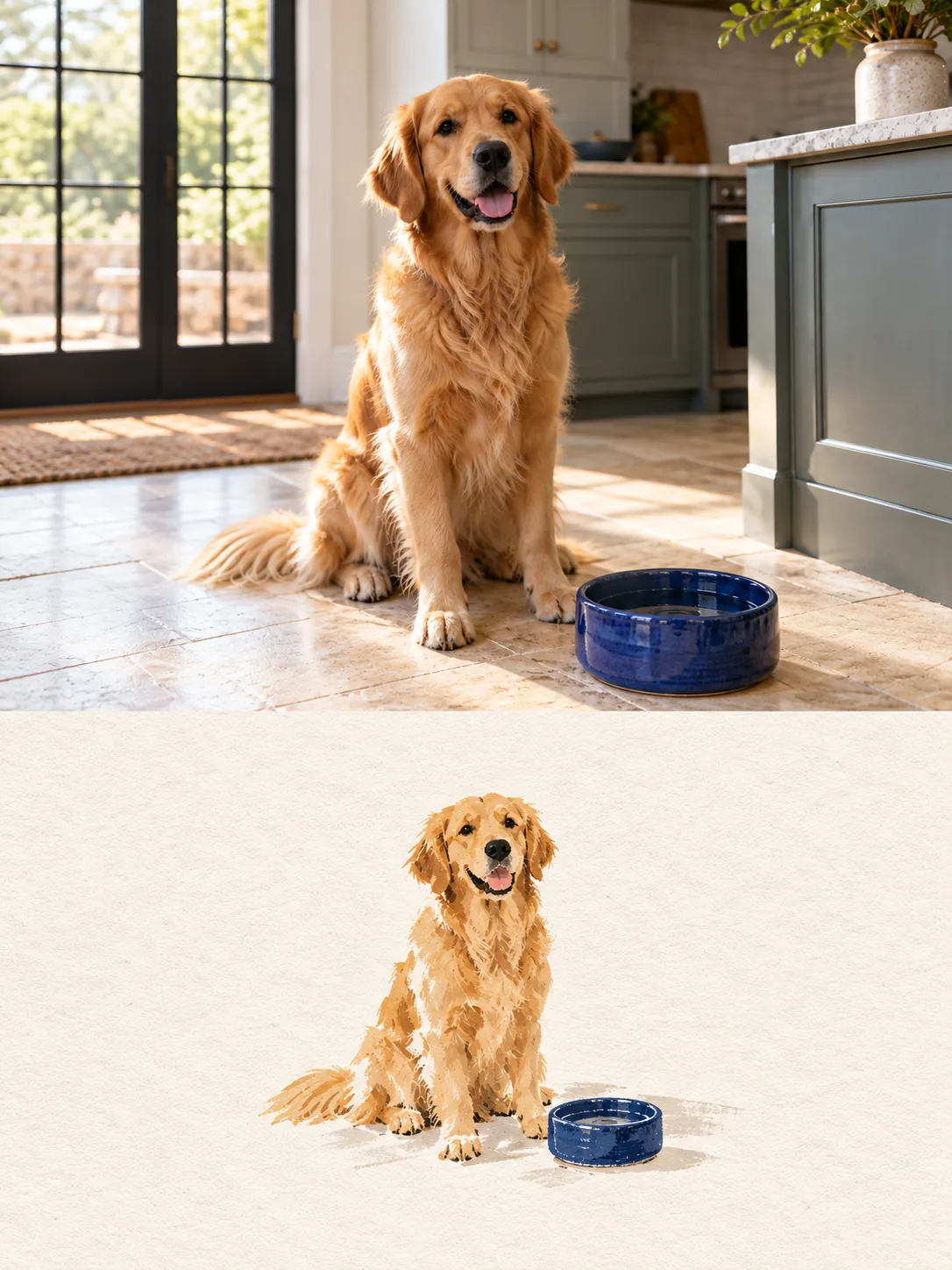
The strongest result still feels like your photograph: the same subject, gesture, silhouette, and story, reinterpreted through deliberate line, texture, palette, and composition.
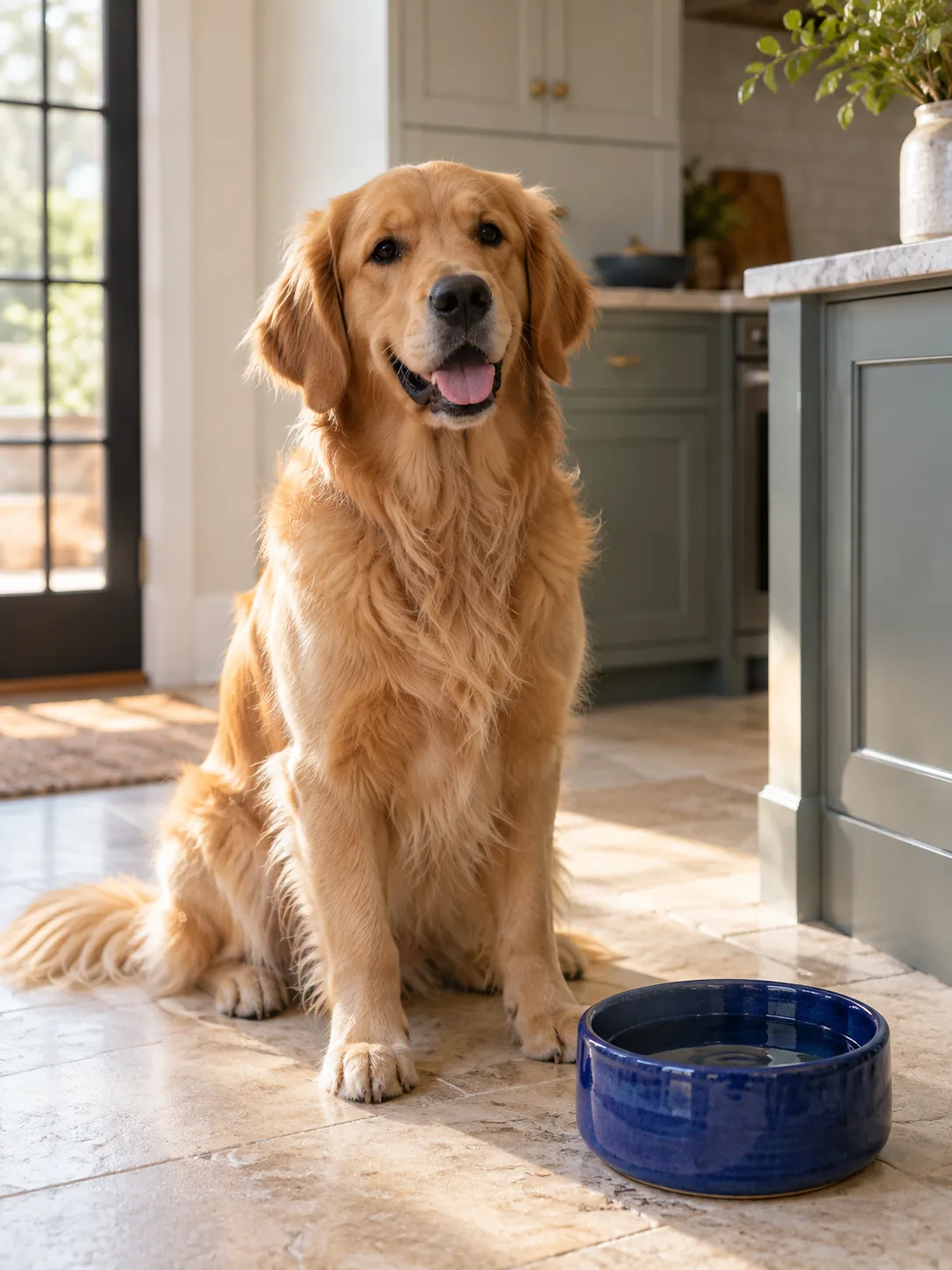
Choose a recognizable creative route instead of trying to encode an entire design brief in one prompt.
Use your own portrait, pet, product, object, or travel image as the anchor for every transformation.
Keep successful generations in Works so you can review, download, and build on the directions that perform best.
Upload the portrait, pet, product, object, or scene that should remain recognizable in the finished artwork.
Choose an art direction that controls the composition, atmosphere, and supporting visual elements.
Generate a result, evaluate the hierarchy, and use the strongest direction as the base for a campaign family.
It is a tool that uses a generative image model to transform a source or direction into illustration-oriented artwork. Artformly adds a structured art-direction workflow around that model.
No. Artformly is designed around clear visual directions, so you can begin from an image and a selected style rather than prompt engineering from scratch.
You can upload JPG, PNG, or WebP source photos within the Studio limits. Finished artwork downloads as an HD image, ready for you to resize or crop for different uses.
Upload one source image, choose a direction, and let the Studio establish the visual system around it.