
One source photo
Begin with a portrait, pet, product, object, or scene whose main subject is clear and recognizable.
Photo art styles
Use the same source photo to compare three treatments — hand-drawn line art, minimal paper cut and flat graphic color — while keeping the subject recognizable.
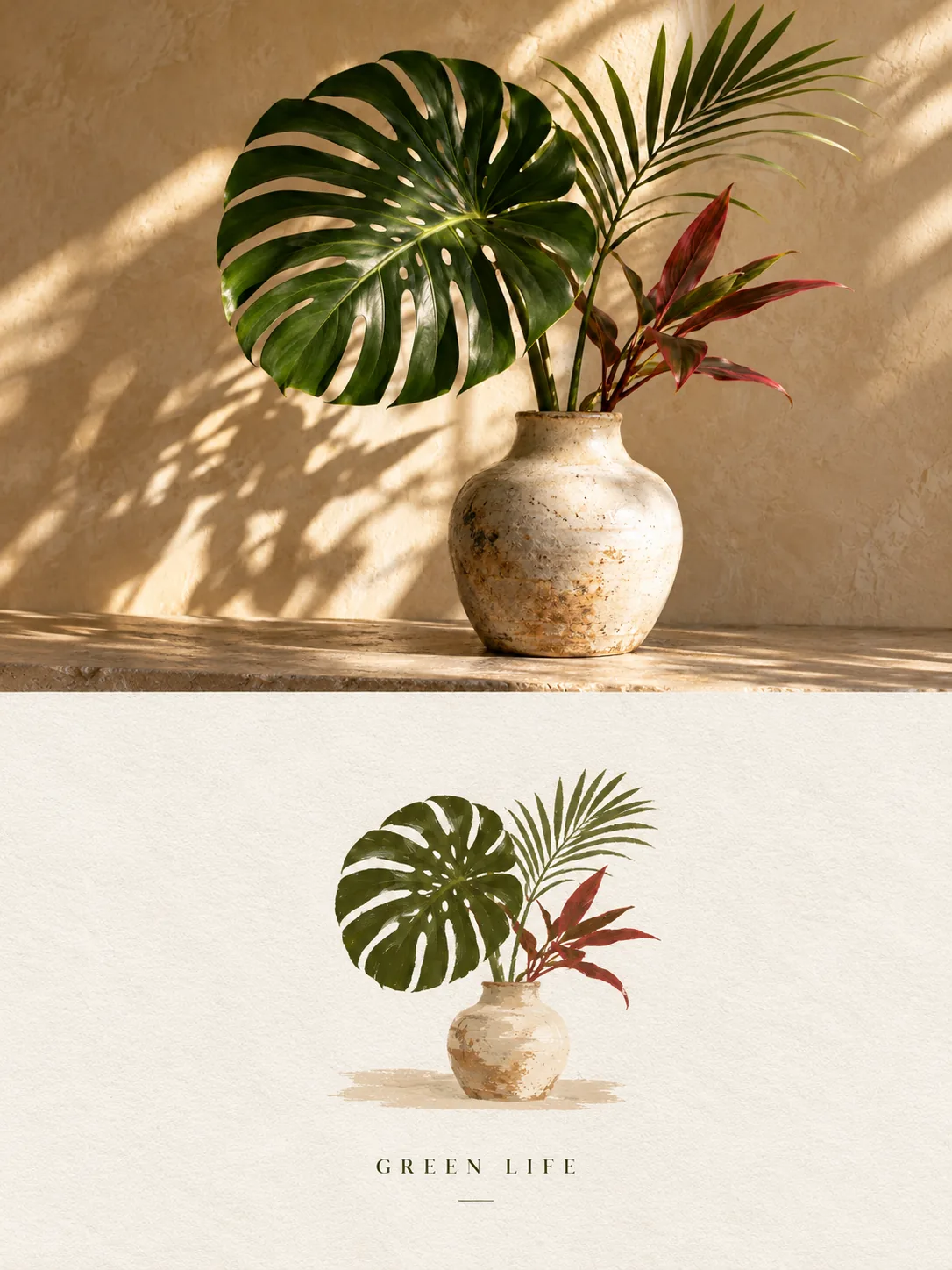
A useful style comparison starts from one consistent source. That makes it easier to see what each treatment changes: line quality, texture, palette, composition, and the balance between photography and illustration.
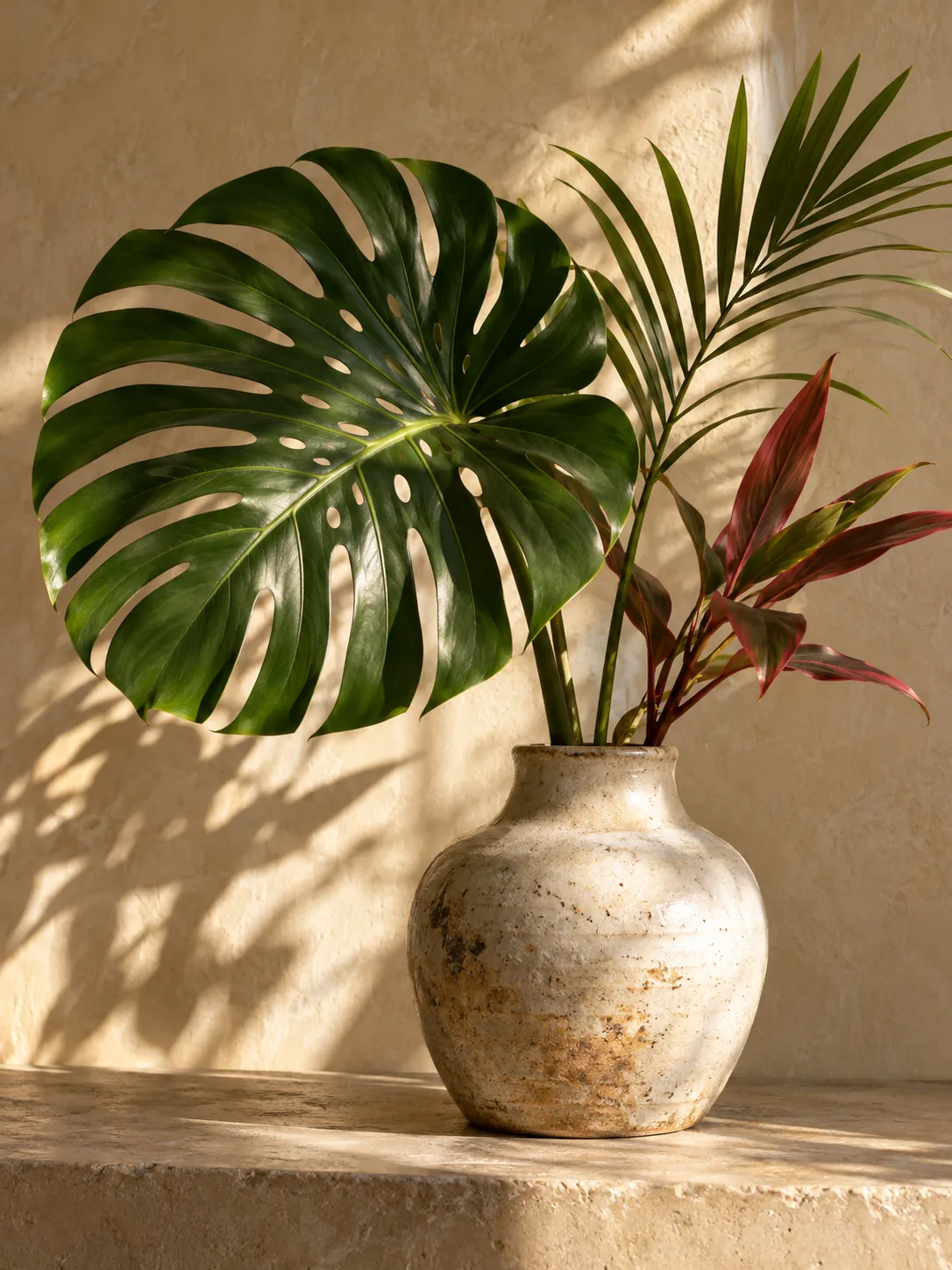
Begin with a portrait, pet, product, object, or scene whose main subject is clear and recognizable.
Compare photo plus hand-drawn art, graphic illustration, and minimal paper drawing without rewriting prompts.
Each result uses a portrait-oriented format that is easy to review, download, crop, and reuse.
Choose a clear source with the subject, pose, expression, objects, and story you want to retain.
Select a treatment according to whether you want more photography, more graphic structure, or a quieter handmade result.
Review the finished artwork in Works and download the version that best matches the feeling you want.
Yes. Start each generation from the same source if you want a direct comparison between artistic treatments.
Use a clear image with a recognizable focal subject and enough surrounding context for a vertical composition.
Yes. You can generate separate style studies; your first generation runs without an account, and signed-in results are kept in your private Works library.
Upload the source once, choose a treatment, and create your first photo-based illustration.