
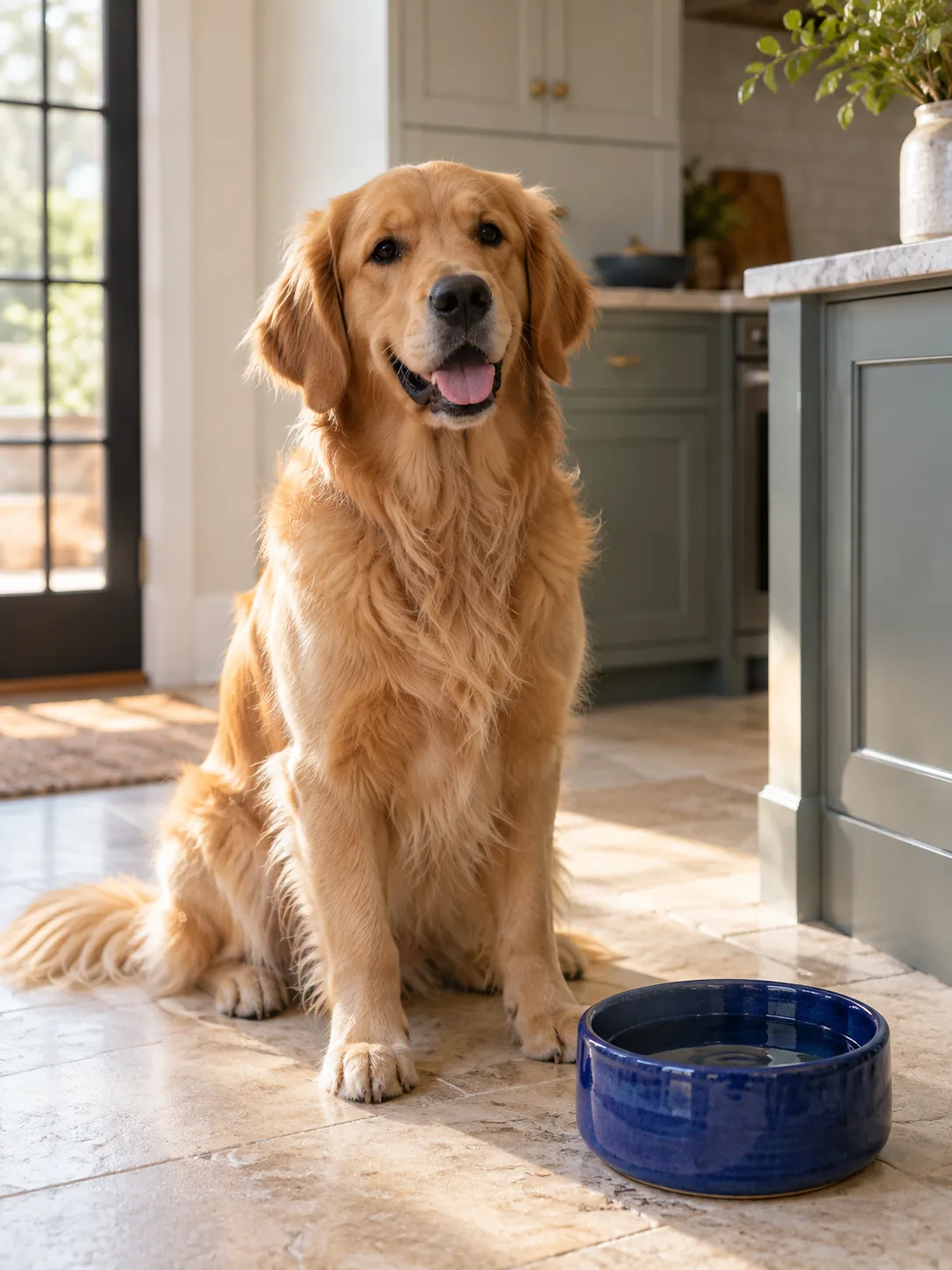
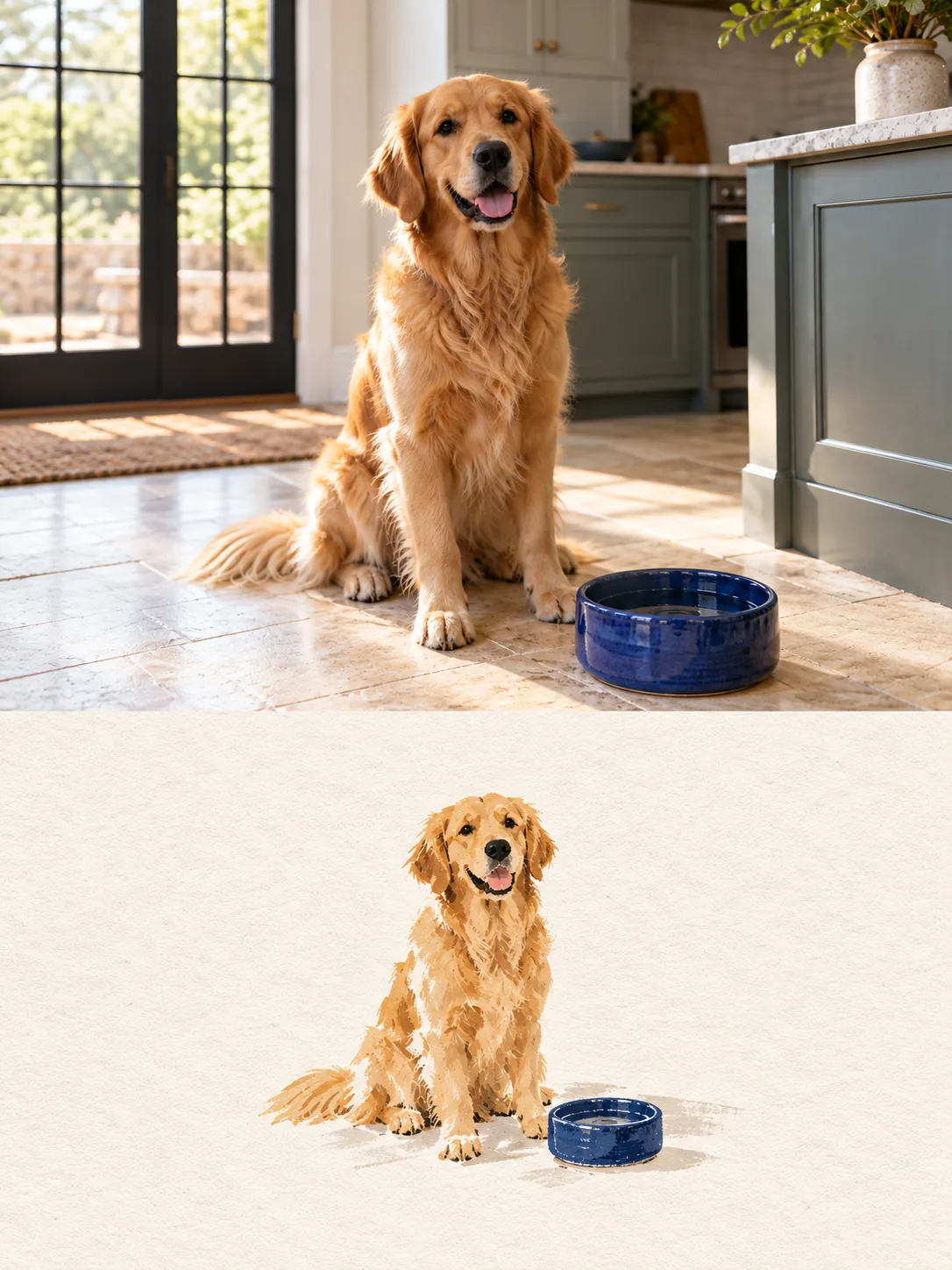
Golden retriever at home
Expression, coat color, seated silhouette, and the blue water bowl carry directly into the finished portrait.
Pet portraits
A pet portrait should still look like your pet — the ears, the tilt of the head, the one eye that is always half open. Artformly translates a photo of your dog or cat into a finished illustration while keeping the details you would recognize from across the room.
1 free try · no account needed · HD download · failed runs refunded
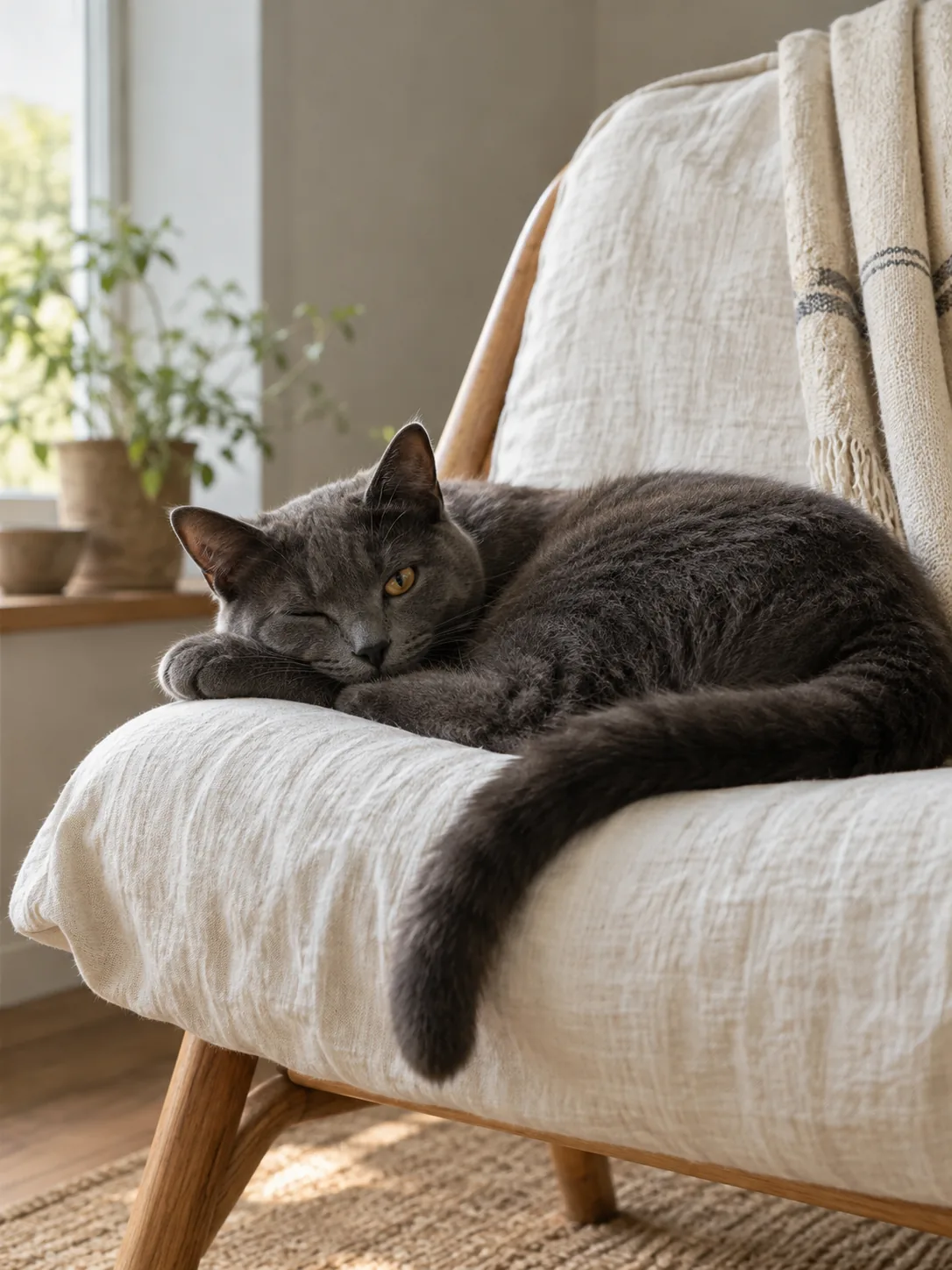
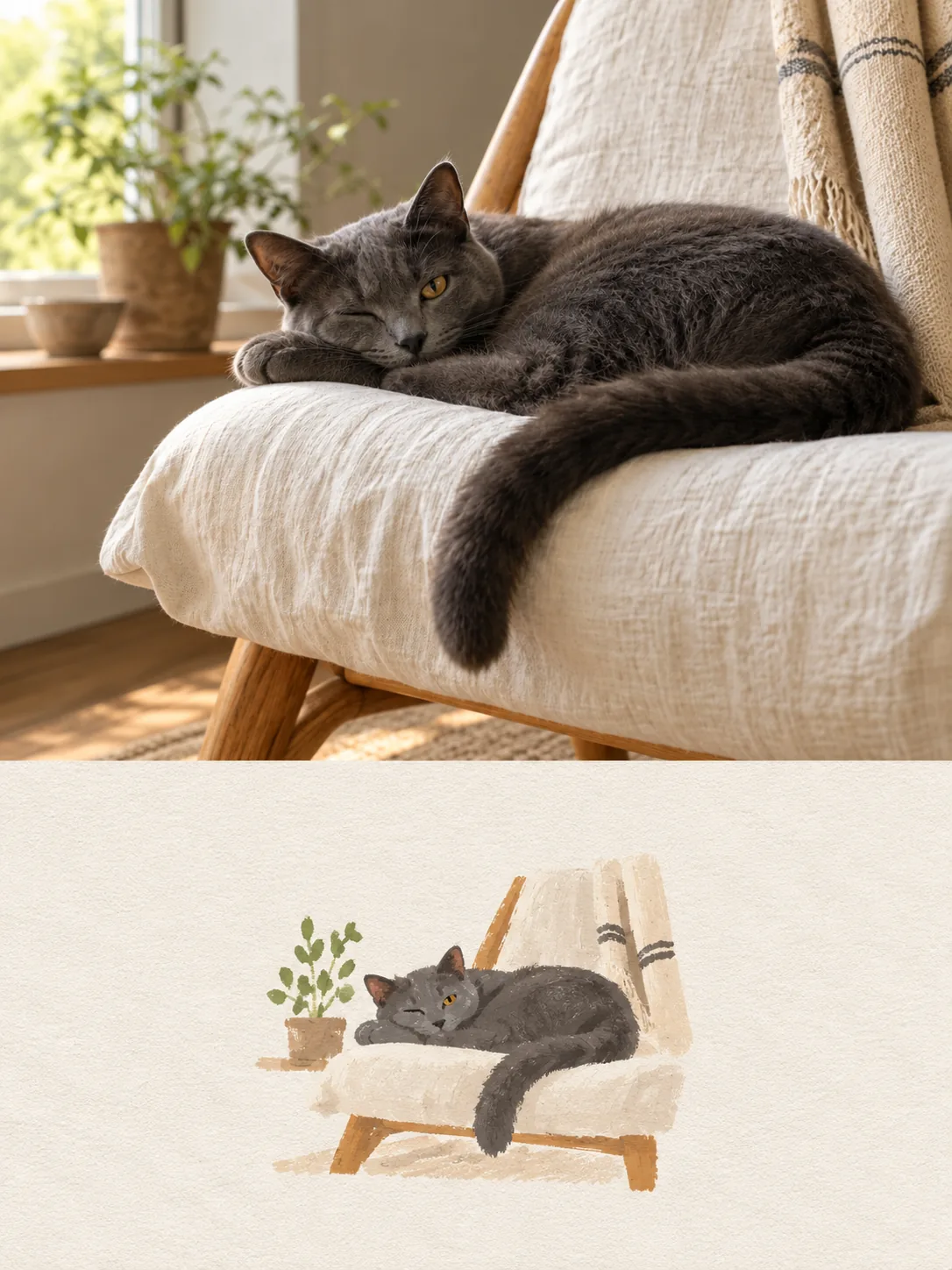
Two Artformly-owned demonstration pairs from our public gallery, not customer uploads. Compare each source photo with the illustrated result; individual generations can vary.
See all before-and-after examplesExpression, coat color, seated silhouette, and the blue water bowl carry directly into the finished portrait.
The curled pose, one open amber eye, long tail, and linen chair stay immediately recognizable.
A pet photographed from across a room gives the model far less to work with. A frame where the head and shoulders occupy a good part of the image keeps the eyes, nose, and markings legible after the illustration simplifies everything else.
Ears, eye colour, muzzle shape, and any distinctive marking do more recognition work than a perfectly sharp background. If you can only fix one thing about the photo, keep those features unobstructed.
A sofa, a rug, or a cluttered floor is usually reduced to a few quiet shapes on a plain paper ground. If the setting matters to you — the garden your dog grew up in, the window your cat always sits at — choose a source photo where that setting is clearly visible behind the animal.
The HD download looks sharp on a phone or screen — as a wallpaper, profile picture, or social post.
Dogs are the most photographed pets, and also the easiest to lose in translation: a black lab becomes a grey blob, a brindle coat turns into noise. Upload a clear photo and Artformly keeps the muzzle shape, the ear set, and the coat pattern while rebuilding the image as an illustration.
Cats are harder: they hide in shadow, sit at odd angles, and rarely hold still for a camera. The portrait works best when the eyes and the outline of the head are readable — that is usually enough to keep the animal unmistakably yours.
Two dogs on one sofa, a cat and a dog that never sit together willingly — include them by uploading a single photo that already contains both animals. Artformly works from one source image per generation, so a photo where both pets are visible will always produce a more coherent portrait than stitching two separate results together.
Many people come here months or years after the photo was taken, sometimes with only a phone snapshot left. A portrait keeps the shape of that animal in something you can keep and look at. Blurrier photos still work, up to a point: the model needs the eyes and the head outline to stay legible. If the only photo you have is small or soft, expect a simpler result rather than a sharper one.
Use a clear JPG, PNG, or WebP image where the face and markings are visible.
Watercolor portrait, hand-drawn line art, minimal paper, or flat graphic colour — match the medium to the mood you want.
Check that the animal is still recognizable, then download the finished HD image. Sign up only when you want the HD file.
No. Open Artformly Studio — your first generation runs without an account. Sign up only when you want to download the HD file.
Usually yes. A modern phone photo taken at close range in decent light gives the model what it needs: a readable head outline, visible eyes, and clear markings. What hurts more than image quality is distance — a pet photographed small in a wide frame loses exactly the detail the portrait depends on.
Often yes, within limits. Old photos with soft focus, motion blur, or heavy compression still produce a valid portrait, but expect a simpler, more stylized result rather than a recovered one. The model cannot invent detail that isn't in the file, so the eyes and head outline need to stay distinguishable.
The illustration usually simplifies background clutter into a few quiet shapes on a plain paper ground rather than cutting the animal out, and the download is a regular image without a transparent background. Choose a source photo where the animal stands clearly apart from what's behind it if you want a cleaner final image.
Yes — upload one photo that already contains both animals. Studio takes one source image per generation, which also keeps the lighting and proportions consistent; combining two separately generated portraits usually looks pasted together.
One HD illustration. The free try without an account shows a preview; sign up to download the HD image. Not an SVG, and not a transparent cutout.
Download the HD file and use it as a phone wallpaper, profile picture, social post, or in your own projects. Artformly is a digital service and doesn't offer printing.
Commercial use depends on your rights to the source photo and the terms that apply to your Artformly account. Review the Terms of Service and AI Generation Notice before publishing, licensing, or selling a result.
No. Account works are private by default. The pets shown on this page are official reference images created for the public gallery, not customer uploads.
Your first try is free and runs without an account. After that you buy a one-time credit pack — the Pricing page shows how many images each pack covers. Failed generations are refunded automatically.
Upload one photo, choose a treatment, and turn it into artwork you can keep, share, or send as a personalized digital gift.